- Welcome to Cincinnati Museum Center
- Quick Tips
- Let's Get Started
- Welcome to Neil Armstrong Space Exploration Gallery
- Meet the Experts
- Exploring Space Exploration Gallery
- Imagine
- Earth's Moon
- Earthworks and Lunar Cycles
- Constellations
- Spectroscopy
- Color the Universe Part 1
- Color the Universe Part 2
- Crater Maker
- Crater Activity
- Eclipses
- Protect
- View Going Up
- Space Photography
- Tropical Storm Images
- Microwave Imager
- Radar
- Sensing Microwaves
- Monitoring Infrared Radiation
- Global Climate Change
- Global Deforestation
- Deforestation Time Lapse
- Glaciers
- Polar Bear Tracking
- Mitigating Climate Change
- Climate Simulator
- Explore
- Experiments on the Moon
- Neil Armstrong
- Bok the Rock
- Flight Jacket
- EVA Suit
- Apollo 11 Team
- Years of Effort
- Mars Rover
- Artemis
- Survival on Other Worlds
- Artemis I Mission
- Artemis New Technology
- Innovations
- Thank You for Visiting CMC


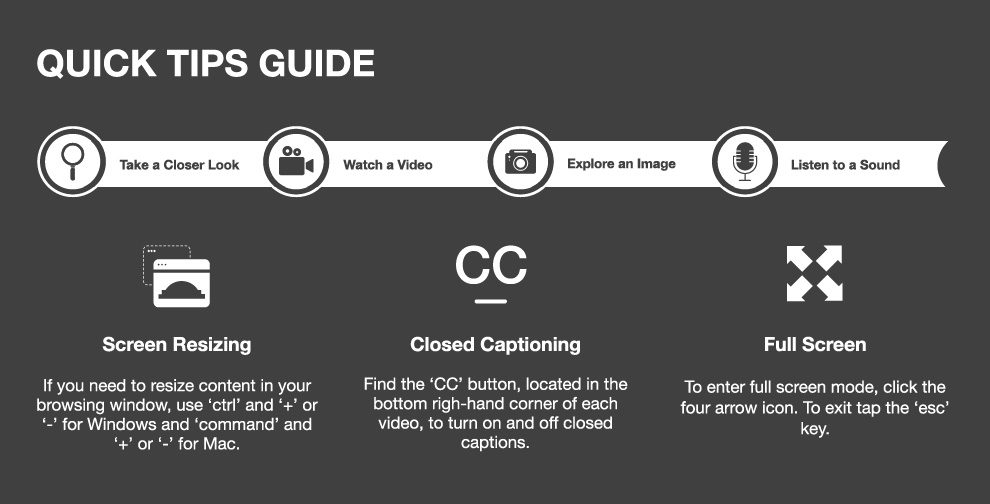
As you navigate your virtual adventure, you will become familiar with the following icons. You can always access the "Quick Tips" page through the top navigation bar.


If you need to resize content in your browsing window, use 'ctrl' and '+' or '-' for Windows and 'command' and '+' or '-' for Mac.

Find the 'CC' button, located in the bottom right-hand corner of each video, to turn closed captions on and off.

To enter full screen mode, click the four arrow icon. To exit, tap the 'esc' key.
Click the forward and backward arrows to proceed through the virtual field trip. They will be located at the top left.


Click/tap a brochure to proceed to destination
After you fully complete each section a mini game will be unlocked. Once all sections are complete, return here for more information about Made In Cincinnati and Cincinnati Museum Center.
You have completed all content in this virtual field trip. Don't forget to enjoy the unlocked interactives.
Thank you for exploring the Made In Cincinnati. To discover more, check out our other virtual field trips and a wide array of online resources, including our WonderZone videos and the Learning from Home section of our website. Visit https://www.cincymuseum.org/learning-from-home
To explore CMC’s epic exhibits, such as Made In Cincinnati, in-person, click the button below to purchase tickets.
To reserve other Virtual Field Trip experiences, click the button below to explore CMC’s current offerings! Remember to always check back, as we frequently add new experiences.

1 of 2



2 of 2
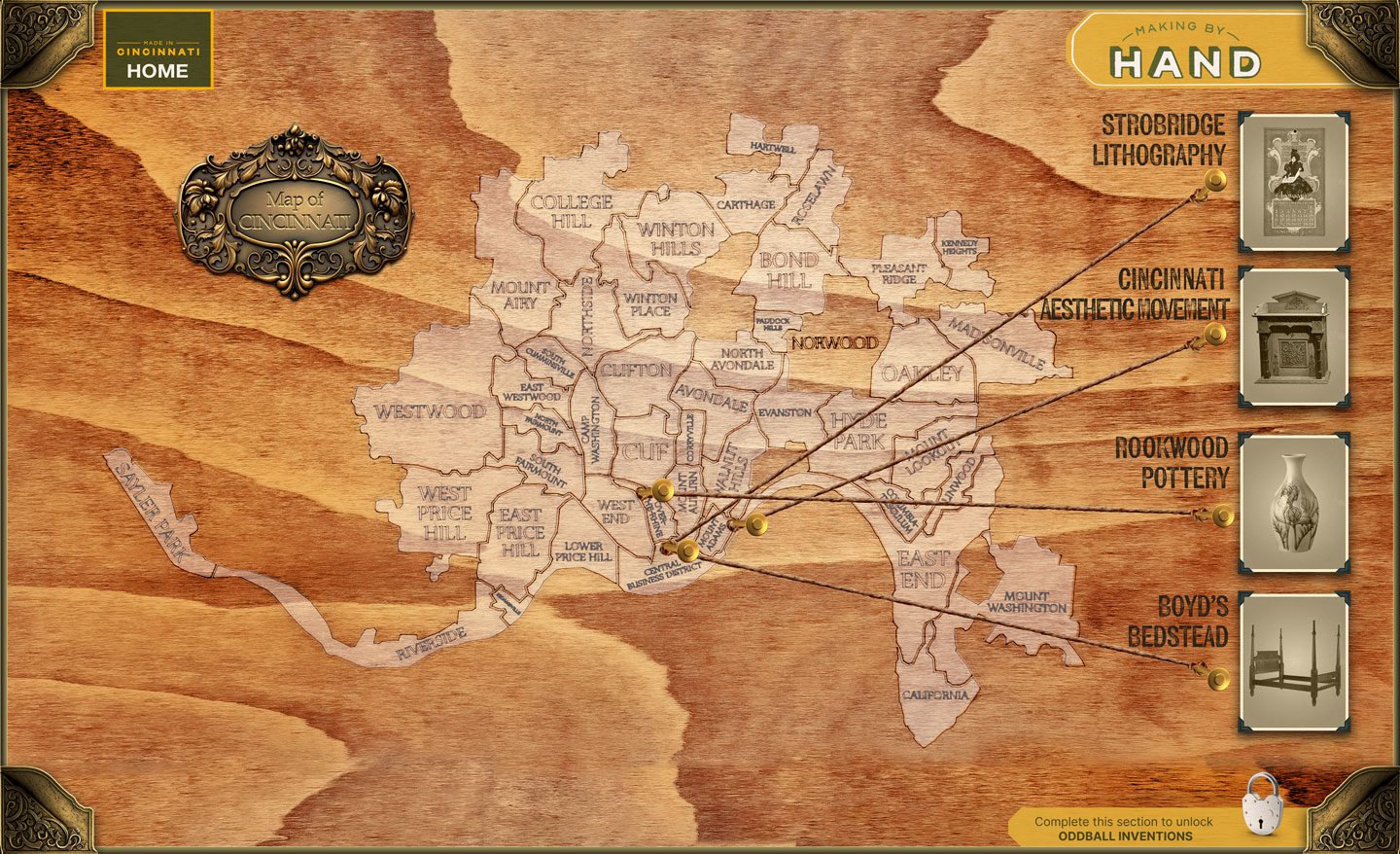
HENRY BOYD
Henry Boyd was born into slavery in Kentucky in 1802. He was apprenticed to a cabinet maker, where he displayed a talent for carpentry. Boyd's enslaver allowed him to work and earn money to buy his freedom. After earning enough money working at the Kenhawa Salt Works in present-day West Virginia, he returned to Kentucky and purchased his freedom.
In 1826, Boyd used most of his savings to move to Cincinnati. After saving money and purchasing the freedom of a brother and sister, he purchased his own furniture workshop in the 1830s.

The innovative Boyd bedstead used wood screws and swelled railings, which allowed the bed to stay tightly assembled without the use of iron fastenings. In 1833, a cabinet maker, George Porter, was issued a patent for the technology used in Boyd's beds. It is unclear if Boyd assisted Porter with this.
The H. Boyd Company operated as a popular, successful and integrated workplace, employeeng 20 to 50 people at a given time, until 1862, when his building was burned by arsonists for a third time and the company closed.

1 of 2

2 of 2
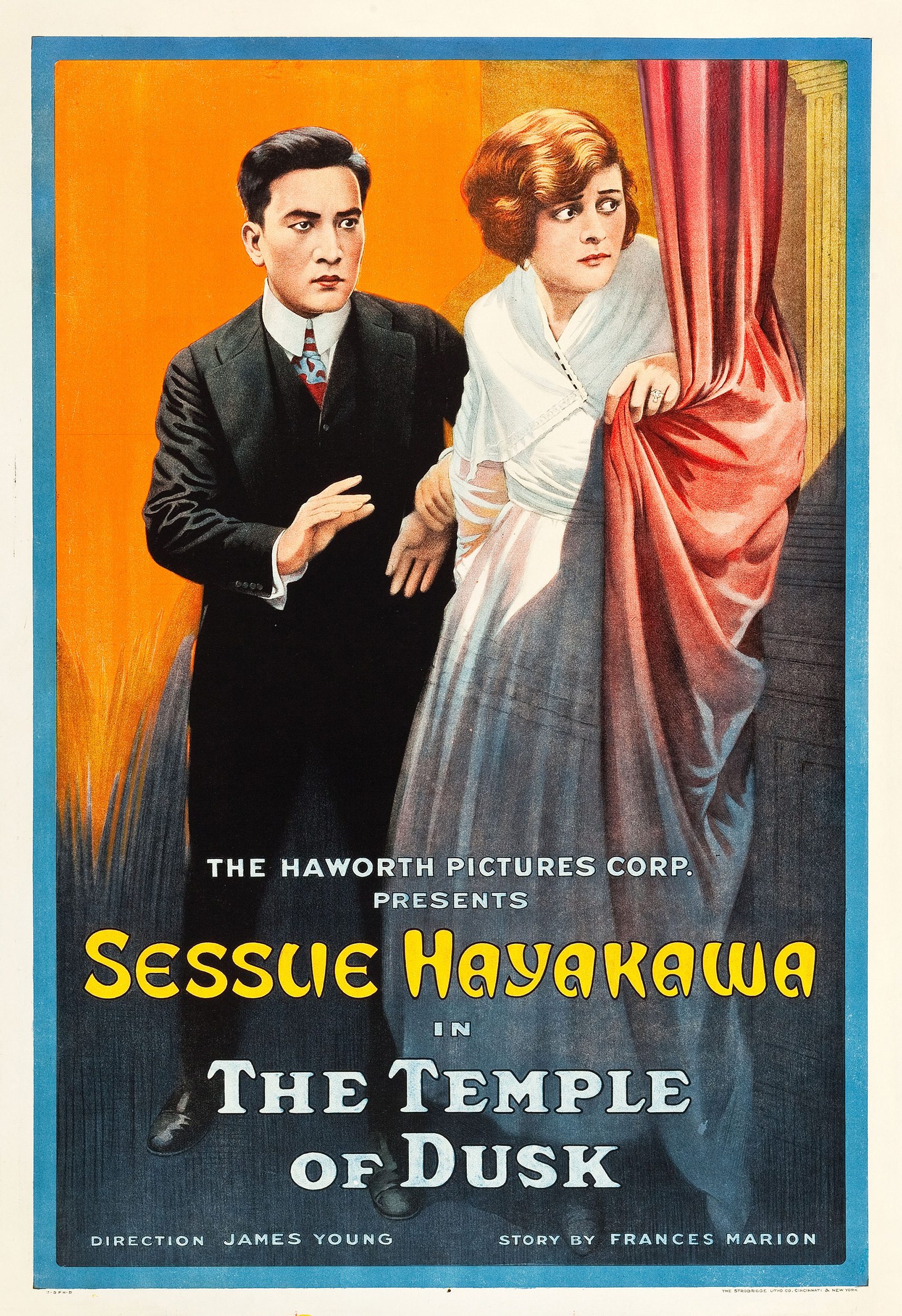
LITHOGRAPHY
Lithography is a type of printing that involves a lot of effort, but can produce beautiful, highly detailed results. An artist would take a slab of limestone, and paint on the image they’d want to make copies of with a greasy substance, such as oil or fat. They would then pour a mixture of weak acid and gum arabic (a hardened sap) over the image. The etching compound then eats away at the parts of the limestone that are left exposed, making them more likely to absorb water, with the parts of the stone covered by the greasy substance remaining as they were, having been protected by the substance. Before printing, the stone is dampened with water, and then coated with ink. The oil-based ink sticks to the grease-treated areas, and is washed away by the hydrophilic areas, allowing for a clean print.

Hover mouse (desktop) or tap and drag (mobile) to take a closer look at this lithograph poster.
1 of 2

2 of 2
Rookwood Pottery
Maria Longworth Nichols (not yet Storer) wanted a signature glaze for Rookwood’s products, so she developed what she called the “Standard Glaze,” a yellow-tinted, high-gloss clear glaze often used over leaf or flower motifs. Throughout the years, Rookwood has been known for their beautiful, proprietary glazes. Try your hand at decorating a vase, and hopefully be inspired to invent some proprietary glazes yourself!
Click/Tap to choose a color then tap the pottery to decorate
1 of 3


3 of 3
CORNICE
- Carved by William Fry
- Furniture collection of Alice Roosevelt Longworth (1884-1980), donated by her granddaughter
- Collection of Cincinnati-made furniture, c.1890-1900
- Alice Roosevelt, eldest child of Pres. Theodore Roosevelt, was married to Nicholas Longworth II (1869-1931)
- The furniture was brought by Alice to Washington, D.C. a few years after the death of Nicholas when she closed the “Rookwood” House and sold the property
- William and Henry Fry are known to have carved many of the interior elements of the house as a commission in the 1850s

Click/Tap the image to rotate in 3d
2 of 3
FOOTSTOOL
- From the Kemper-Chapin family collection; descendent of Reverend James Kemper
- Carved by William Fry, instructor of wood carving at Cincinnati Art Academy, for Mary Alice Chapin Kemper (Elsie), the wife of Edwin W. Kemper
- M.A.C.K. carved on the top = Mary Alice Chapin Kemper
- The donor’s mother, Vesta Curtis Kemper, and aunt, Ruby Webb Kemper, were also students at the Cincinnati Art Academy
Click/Tap the image to rotate in 3d
1 of 2

2 of 2

1 of 2

2 of 2
FIGHTING FIRES
Before the invention of the steam-powered fire engine, and even before the hand-powered water pumps, firefighters were reliant on the bucket brigade system. Basically, leather buckets would be filled with water at a water source, and passed from one person to the next, over and over, until it was thrown on the fire. This process was repeated until the fire was extinguished, or deemed un-put-out-able. It was a tremendously inefficient system, which required a huge amount of effort, but it is still used in some cases, when the use of large machinery is deemed too dangerous.

1 of 2

2 of 2
THE STORY OF BIG JOE
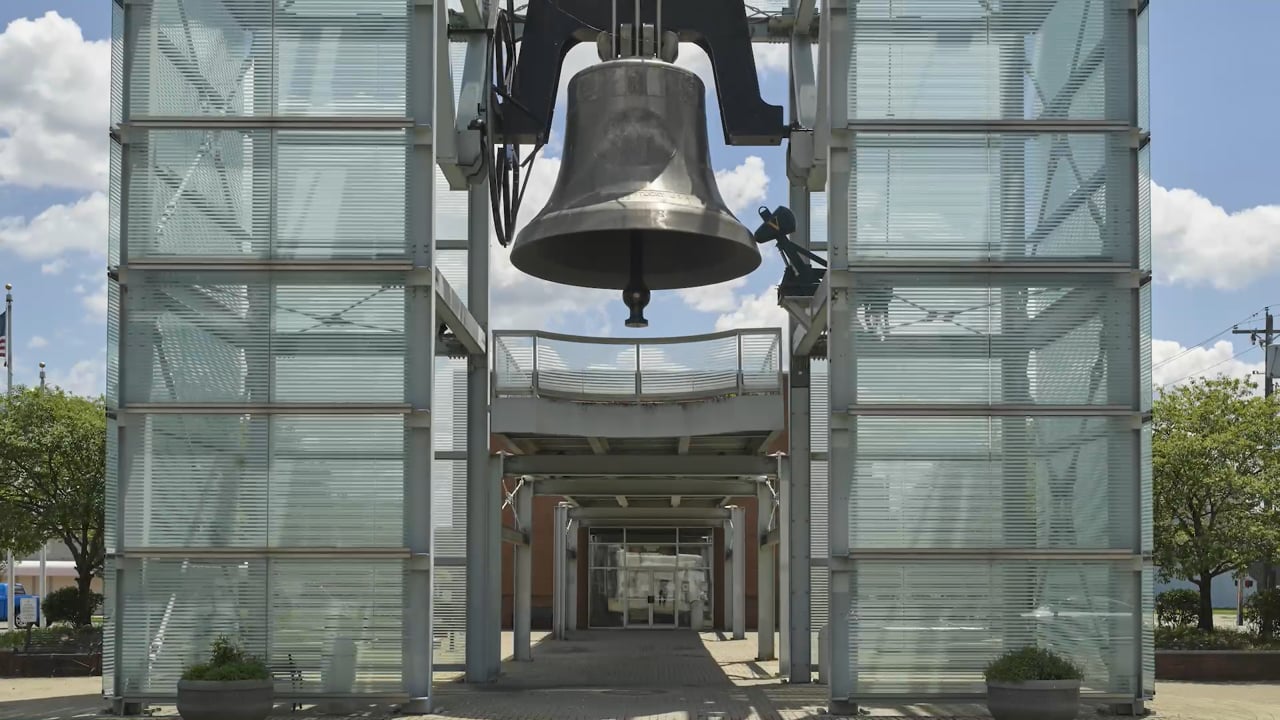
While the Cincinnati region isn’t exactly famous for its big bells, there exists another piece of Big Bell History right in our backyard: Big Joe.
1 of 2

2 of 2
U.S. PLAYING CARDS
The United States Playing Card Company has produced dozens of different types of playing card decks, but for the most part, they’re all the same 52 cards. Did you ever wonder why? Well, you wonder about interesting things! The truth is, there are subtle differences between each of the decks. Things such as card stock thickness, the texture of the finish, bordered or borderless backs and face card art all affect the quality and price of a deck. Cards can come in different widths for games like Bridge, or be made with non-paper materials, like cellulose acetate, a bioplastic. What does this mean for you, a (presumably) casual player of card games? Most likely nothing! But now you know this forever.

1 of 2

2 of 2
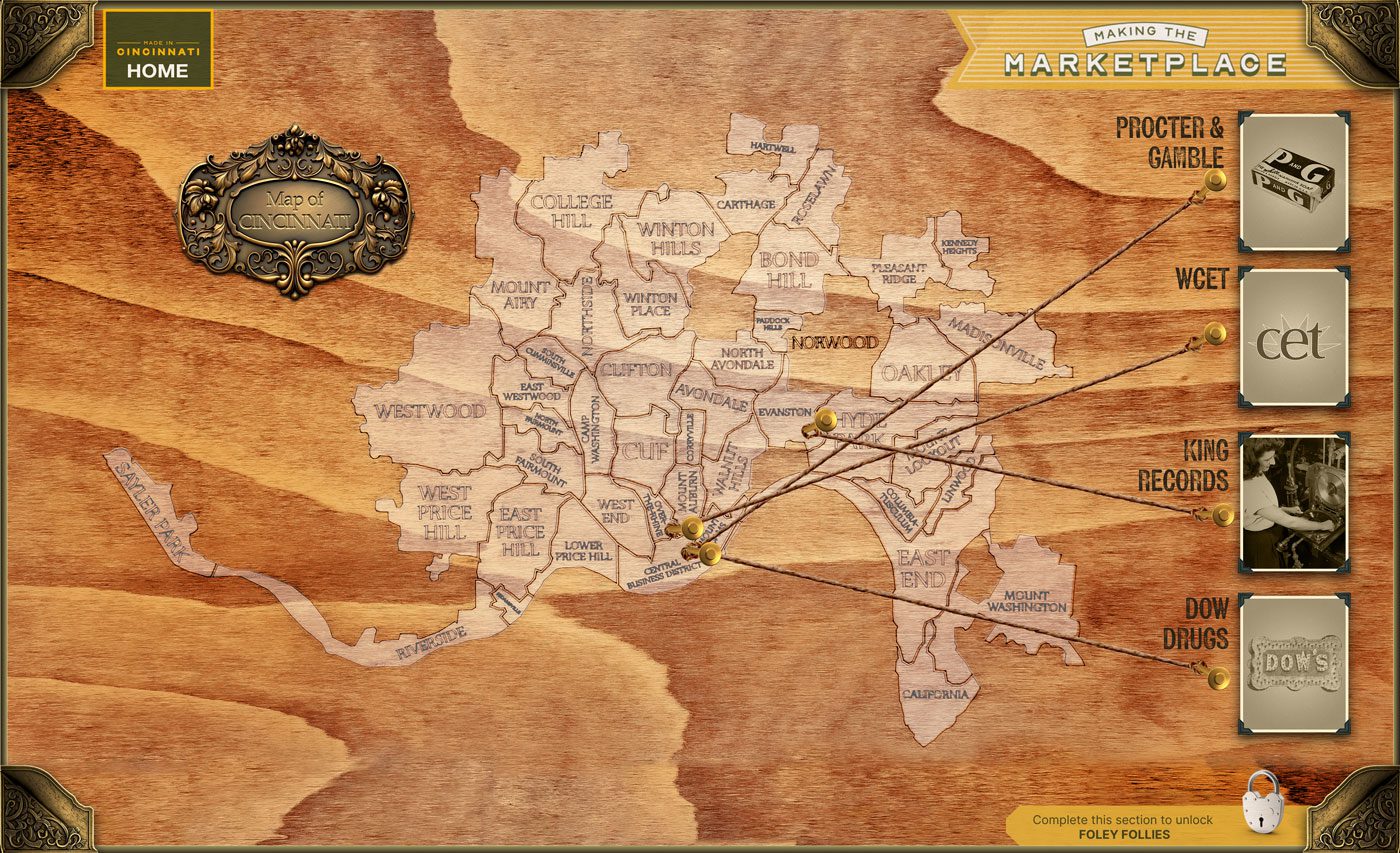
PROCTER & GAMBLE
While P&G is known for their cleaning products, you might be interested (or horrified, depending) to learn that their early successes were largely dependent upon the pork packing industry. When you take away the meat, there’s still a whole lot of hog left, and enterprising Cincinnatians used that for financial gain. Bristles were used in toothbrushes, bone was turned into buttons, and the the blood and offal (waste, trimmings, and internal organs) were used in the production of chemicals, fertilizers, and even the casings for sausages. But P&G probably wouldn’t be as successful as it is without the abundance of pork fat, which could be rendered into lard oil for and soaps, and stearic acid for candles. They even sold the oil itself for lanterns. So next time you’re in the grocery store buying your favorite Procter & Gamble product, thank a pig.

1 of 1

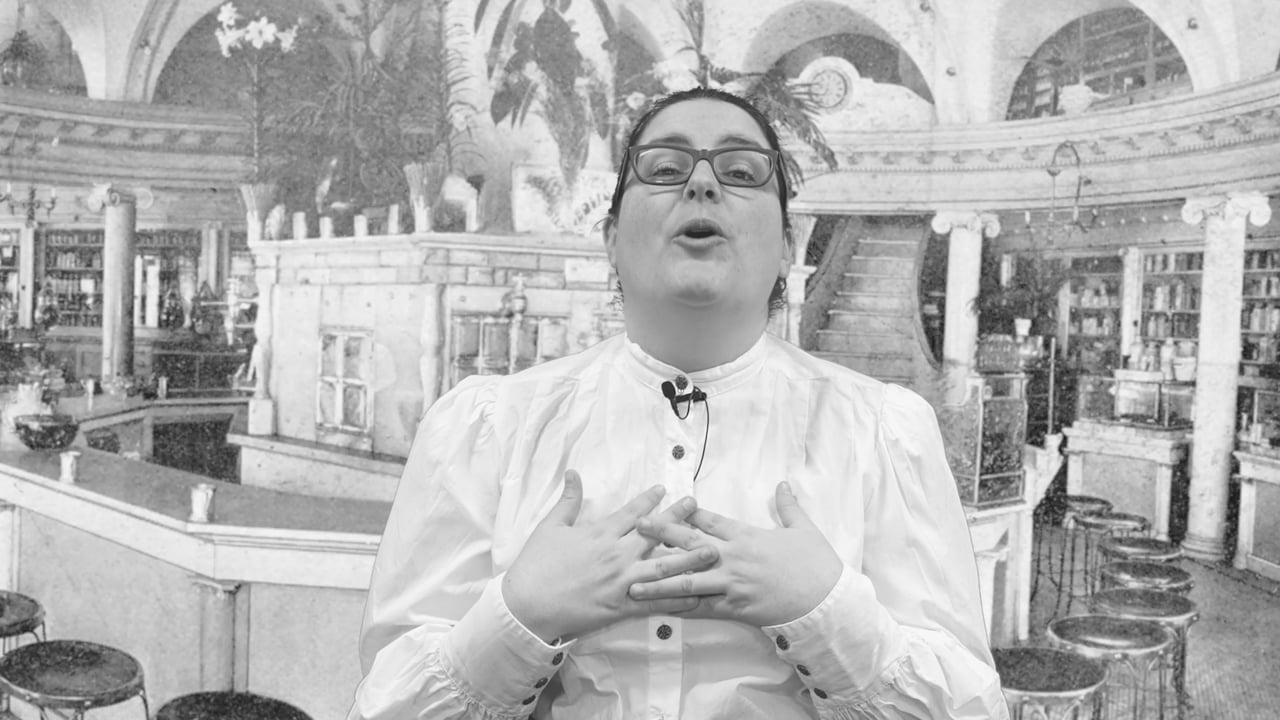
CORA DOW
Dow Drugs was one of the largest pharmacy chains in the entire country at the turn of the 20th century. Let’s have a quick chat with Cora Dow and see how this owner, proprietor and druggist extraordinaire created such a successful business.
1 of 2

2 of 2
WCET
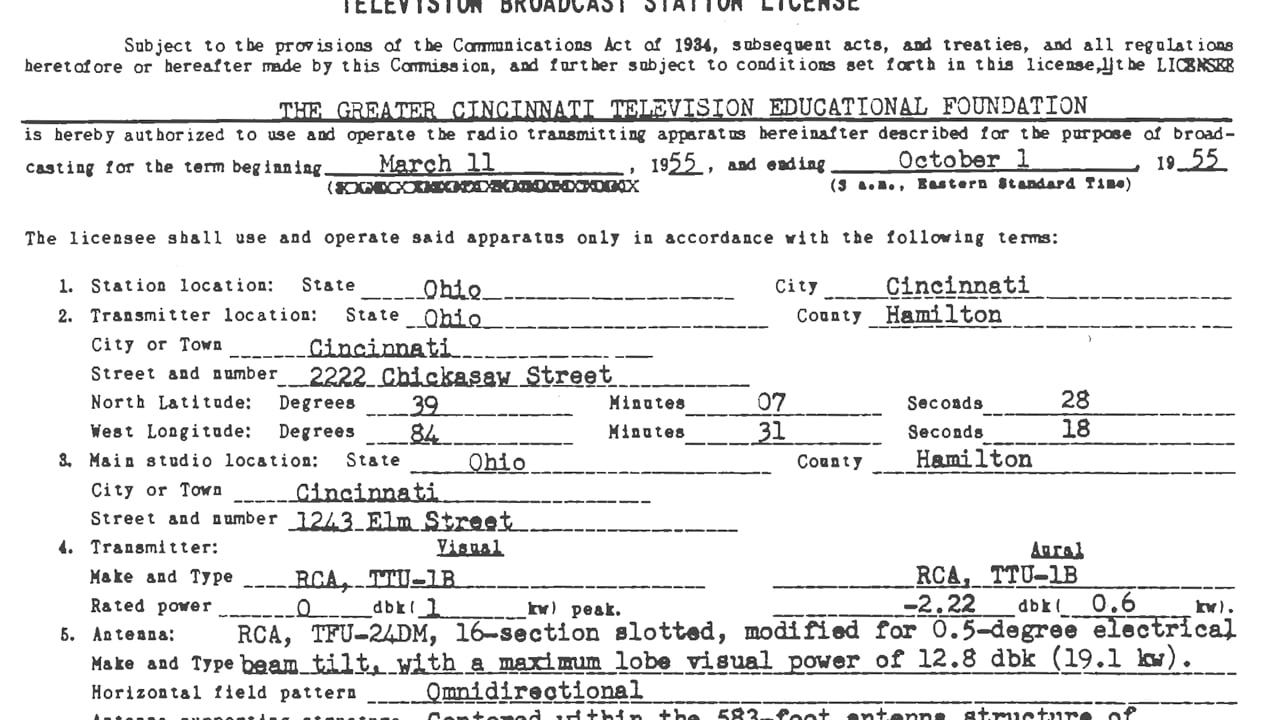
From its first broadcast on July 26, 1954 from a converted closet in Music Hall to the FCC granting it the first non-commercial educational broadcast license in the country in 1955, WCET, or CET as it is known today, is a leading provider of education and enrichment in classrooms and living rooms across the Greater Cincinnati region.

1 of 2

2 of 2
KING RECORDS
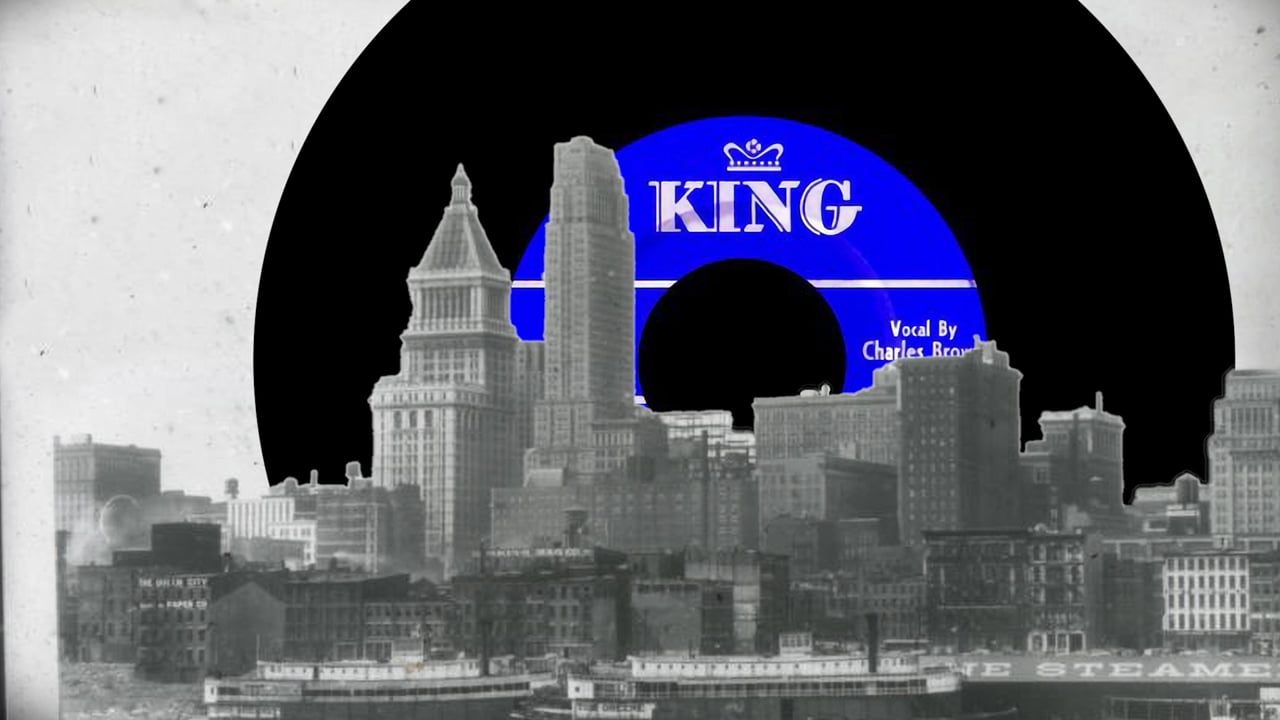
King Records was notable for enacting every step of the record creation process in-house, which was unusual for the time (and for the present, as well!) The label was founded in 1943 by Syd Nathan. King was acquired by Starday Records when Nathan died in 1968, and has since been sold several times.